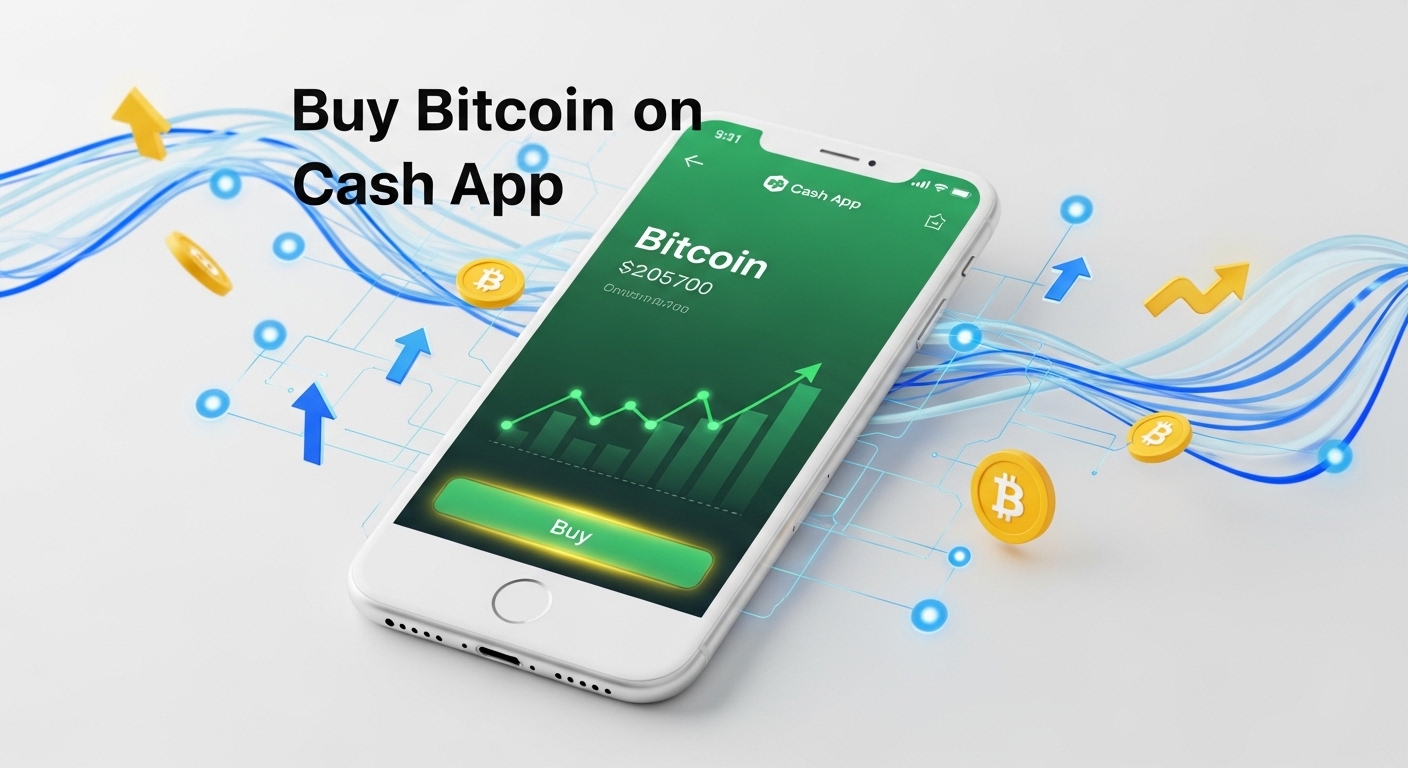
Bitcoin has evolved from an experimental digital token to a mainstream investment asset, and buying it has never been more accessible. Cash App stands out as one of the simplest platforms for purchasing Bitcoin, offering a user-friendly interface that doesn't require advanced technical knowledge.
Whether you're a crypto-curious beginner or an experienced investor looking for convenience, this guide will walk you through exactly how to buy bitcoins on Cash App. We'll cover everything from account setup to security best practices, ensuring you make informed decisions.
By the end of this article, you'll have the confidence to start your Bitcoin journey with one of the most trusted mobile payment platforms available today.
What You Need to Know Before You Begin
Before diving into the purchase process, it's essential to understand the landscape you're entering. Cash App, developed by Block Inc. (formerly Square), has positioned itself as a gateway for everyday users to access Bitcoin without the complexity of traditional cryptocurrency exchanges.
The platform integrates Bitcoin purchasing directly into its payment ecosystem, making it remarkably convenient for users who already utilize the app for peer-to-peer transactions.
When you buy Bitcoin through Cash App, you're purchasing actual Bitcoin that you can hold, sell, or withdraw to an external wallet. This differs from some platforms that only offer CFDs (Contracts for Difference) or IOU-style cryptocurrency exposure. Cash App provides direct ownership, which means you control your investment and can transfer it off the platform if desired.
However, this convenience comes with trade-offs. While the interface is intuitive, the platform offers fewer advanced trading features compared to dedicated cryptocurrency exchanges. You won't find limit orders, margin trading, or sophisticated charting tools. For most casual investors, this simplicity is a feature, not a bug.
How to Buy Bitcoins on Cash App: Step-by-Step Instructions
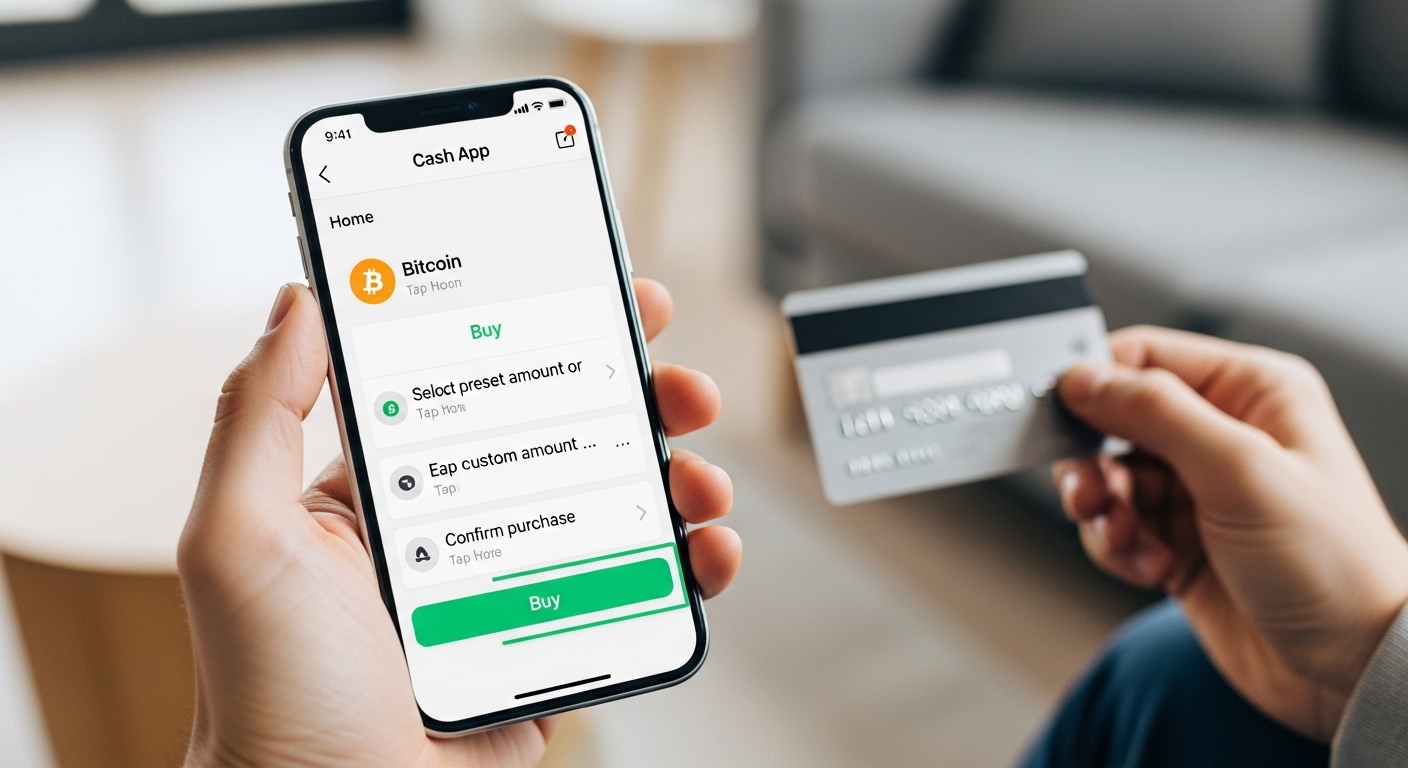
Ready to make your first Bitcoin purchase? Follow these straightforward steps to navigate the process smoothly:
Step 1: Download and Set Up Cash App
If you haven't already, download Cash App from the iOS App Store or Google Play Store. The app is free and takes just minutes to install. Open the app and create an account using your email address or phone number. You'll receive a confirmation code to verify your contact information. Choose a unique $Cashtag (your Cash App username) that will identify you on the platform. While this step seems basic, take time to create a strong, unique password and enable two-factor authentication for enhanced security.
Step 2: Link Your Funding Source
Navigate to the "Banking" tab (represented by a bank or house icon) and select "Link Bank." Cash App supports several funding methods:
Debit cards: Instant transfers, ideal for immediate Bitcoin purchases
Bank accounts: ACH transfers take 1-3 business days but have no fees
Credit cards: Available but treated as cash advances (not recommended due to high fees)
Enter your card or bank information securely. Cash App uses bank-level encryption to protect your financial data. For debit cards, you'll need to provide the card number, expiration date, CVV, and billing address. The app may make two small deposits to verify bank accounts, which you'll need to confirm within the app.
Step 3: Complete Identity Verification
To comply with federal regulations and increase your Bitcoin purchasing limits, you'll need to verify your identity. This process, called KYC verification, requires:
Full legal name
Date of birth
Last four digits of your Social Security Number
Home address
A photo of your government-issued ID (in some cases)
Navigate to your profile settings and select "Personal" or "Verification" to begin. The verification process is typically instant, but can take up to 48 hours in rare cases. How to Buy Bitcoins on Cash App. Until verification is complete, your Bitcoin purchasing will be limited to smaller amounts.
Step 4: Navigate to the Bitcoin Section
Once verified, tap the "Investing" tab (represented by a graph or stock icon) on the home screen. You'll see options for stocks and Bitcoin. Select "Bitcoin" to access the cryptocurrency section. Here, you'll see the current Bitcoin price, a price chart showing recent performance, and options to buy or sell.
Step 5: Make Your Purchase
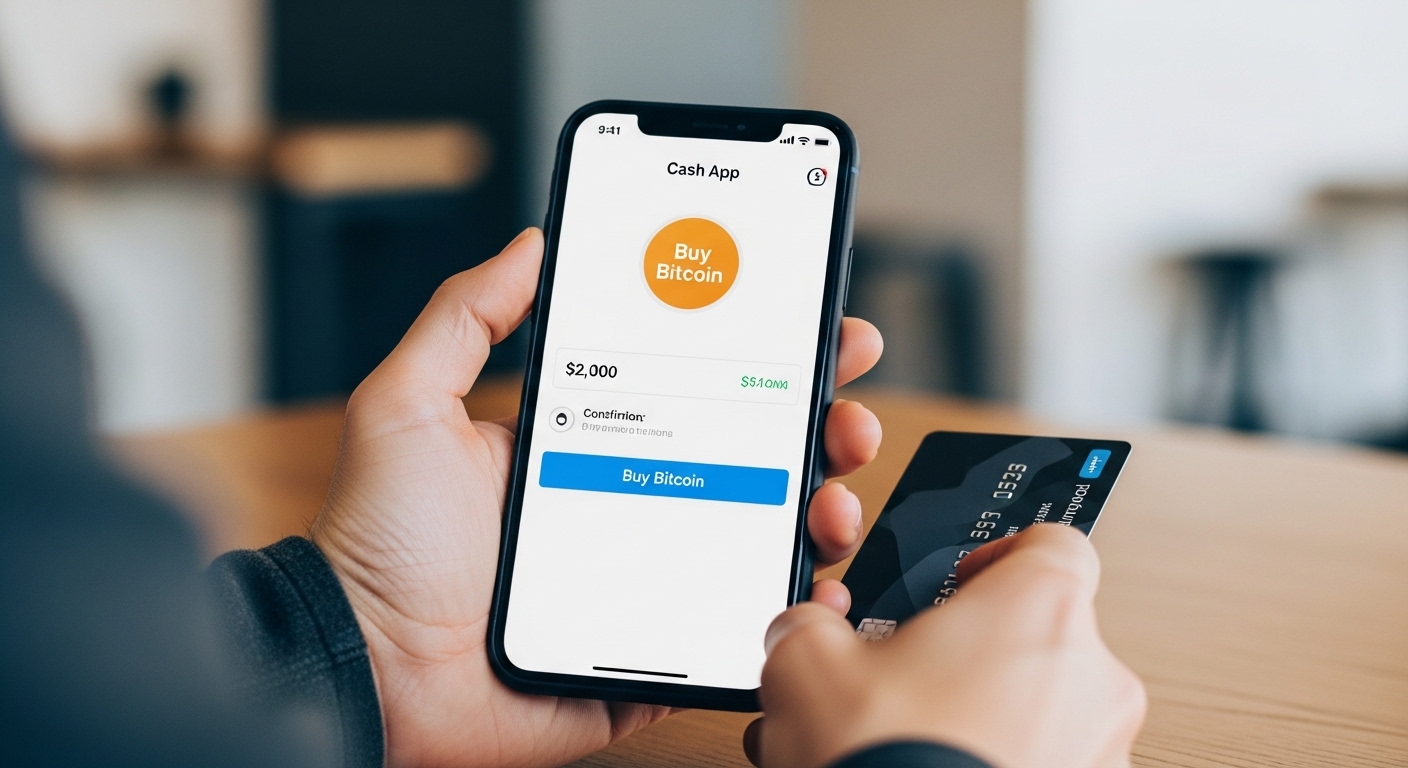
Tap "Buy" and enter the amount you wish to spend in dollars or the amount of Bitcoin you want to purchase. Cash App displays both figures simultaneously, so you always know exactly how much Bitcoin you're getting. Review the transaction details carefully, including:
The amount of Bitcoin you'll receive
The current exchange rate
Any applicable fees
The total cost
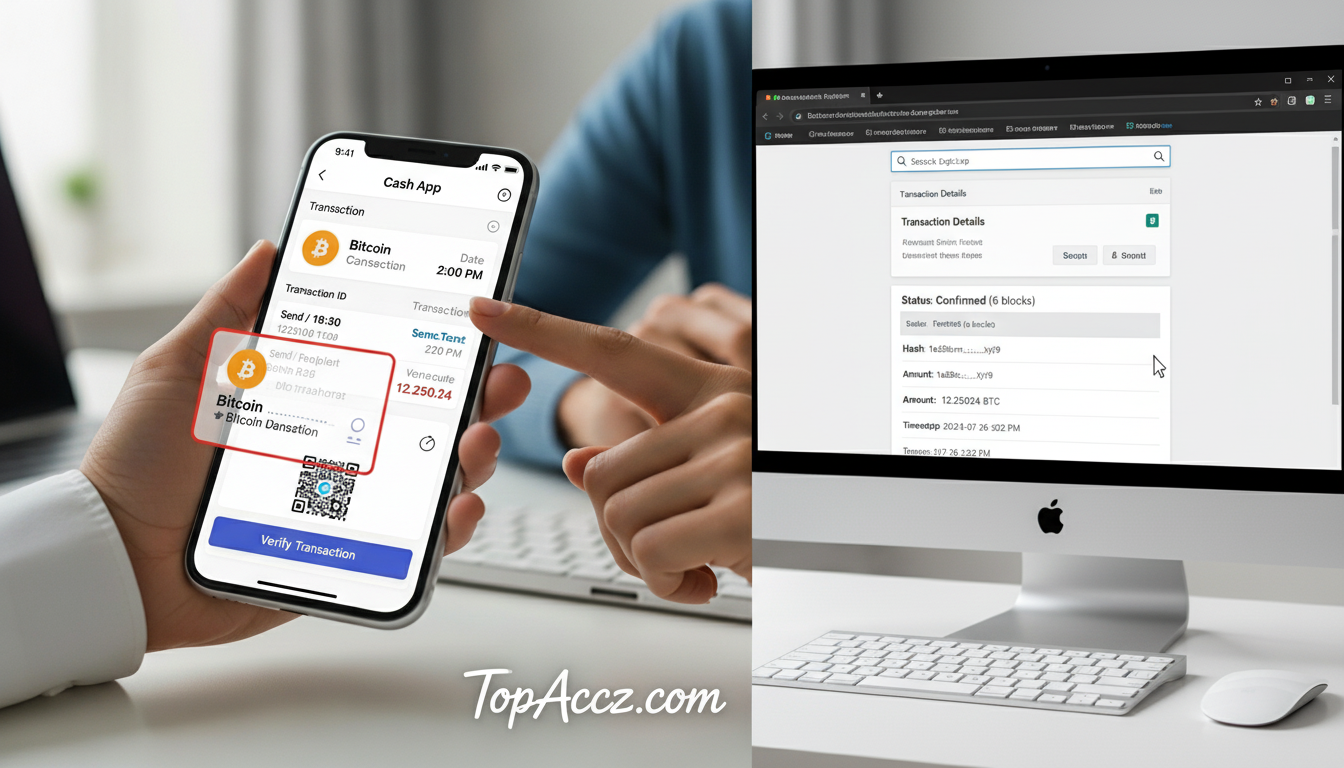
When ready, confirm the purchase with your PIN or biometric authentication (fingerprint or face ID). Your Bitcoin will appear in your Cash App balance immediately.
Understanding Fees and Limits
One of the most common questions new Bitcoin buyers ask is about costs. Cash App's fee structure is transparent but worth understanding in detail. The platform charges a service fee that fluctuates based on market conditions and transaction volume.
During periods of high volatility, fees may increase slightly to account for rapid price movements. Additionally, Cash App builds a spread into the price—typically between 1-2%—which is how they make money on Bitcoin transactions.
Your purchasing limits depend on your verification status. Unverified accounts face strict limits, often as low as $1,000 worth of Bitcoin per week. Once you complete full identity verification, these limits increase significantly:
Unverified accounts: Up to $1,000/week
Verified accounts: Up to $10,000/week for purchases
Verified accounts: Up to $50,000 worth of Bitcoin can be held
These limits reset weekly, so plan larger purchases accordingly. If you need higher limits for substantial investments, you may need to contact Cash App support and provide additional documentation. Remember, while Cash App makes buying Bitcoin easy, the platform isn't designed for high-frequency trading or institutional-level transactions.
Security Best Practices for Your Bitcoin Investment
Owning Bitcoin comes with responsibility for security. While Cash App employs robust security measures including encryption, fraud monitoring, and FDIC insurance for cash balances (not Bitcoin), you play a crucial role in protecting your investment. First, never share your login credentials, PIN, or sign-in codes with anyone. Cash App will never ask for this information via email, text, or phone call—any such request is a scam.
Enable all available security features: two-factor authentication, biometric login (fingerprint or face recognition), and transaction notifications. These layers of protection make it significantly harder for unauthorized users to access your account. Consider setting up a security lock that requires your PIN or biometric authentication for every transaction, adding friction that prevents accidental or unauthorized purchases.
For long-term holders or those with substantial Bitcoin investments, consider withdrawing your Bitcoin to a personal hardware wallet or secure software wallet. While Cash App is reputable, keeping large amounts of cryptocurrency on any exchange or app carries inherent risks. Hardware wallets like Ledger or Trezor store your private keys offline, making them immune to online hacking attempts.
If you choose to keep your Bitcoin on Cash App, understand that you're trusting their security infrastructure. For most users with modest investments, Cash App's security is sufficient, but as your holdings grow, so should your security measures.
Advanced Features: Recurring Purchases and Withdrawals
Cash App offers features that make Bitcoin investing even more convenient for long-term strategies. The recurring purchase feature allows you to automate your Bitcoin buying, implementing a dollar-cost averaging strategy that reduces the impact of volatility. To set this up, navigate to the Bitcoin section, tap "Auto-Invest," and choose your frequency (daily, weekly, or biweekly) and amount. This hands-off approach removes emotion from investing and builds your position consistently over time.
Withdrawing Bitcoin from Cash App to an external wallet is straightforward but requires careful attention. Tap the Bitcoin icon, select "Withdraw Bitcoin," and enter the destination wallet address. Crucially, always verify the address character by character—Bitcoin transactions are irreversible, and sending to the wrong address means permanent loss.
Start with a small test transaction when withdrawing to a new address. Cash App charges a network fee for withdrawals, which varies based on blockchain congestion. These fees go to Bitcoin miners, not Cash App, and are necessary for transaction processing on the blockchain.
How to Buy Bitcoins on Cash App: Common Mistakes to Avoid
Even with a user-friendly platform like Cash App, newcomers can make costly errors. The most critical mistake is panic selling during price dips. Bitcoin is notoriously volatile, with 20-30% price swings being normal. If you're investing for the long term, these fluctuations are noise, not signals. Develop a strategy before buying and stick to it, regardless of short-term price movements.
Another common error is investing money you can't afford to lose. Bitcoin should be considered a high-risk, high-reward asset class. Never use rent money, emergency funds, or take on debt to purchase Bitcoin. A good rule of thumb is to limit cryptocurrency investments to 5-10% of your total investment portfolio, adjusting based on your risk tolerance.
Some users make the mistake of not keeping records. While Cash App provides transaction history, maintain your own records for tax purposes. The IRS treats Bitcoin as property, meaning every sale, trade, or use of Bitcoin is a taxable event. You'll need to track your cost basis and calculate capital gains or losses. Consider using cryptocurrency tax software or consulting a tax professional familiar with digital assets.
Finally, don't fall for "get rich quick" mentalities or social media hype. Bitcoin is a legitimate technology and store of value, but it's not a guaranteed path to wealth. Approach it as a long-term investment with realistic expectations, and you'll be better positioned to navigate the cryptocurrency market successfully.
Final Thoughts
Learning how to buy bitcoins on Cash App is just the beginning of your cryptocurrency journey. We've covered the essential steps: setting up your account, verifying your identity, linking funding sources, making your first purchase, and implementing security best practices. Cash App's intuitive platform removes many barriers to Bitcoin ownership, making it an excellent choice for beginners and casual investors alike.
Remember to start small, invest only what you can afford to lose, and prioritize security. Take advantage of features like recurring purchases to build your position systematically, and consider long-term storage solutions as your investment grows. Stay informed about market developments, but don't make impulsive decisions based on short-term price movements.
Ready to take the first step? Download Cash App today, complete your verification, and make your initial Bitcoin purchase. Start with an amount that feels comfortable, learn the platform, and gradually expand your knowledge and investment as you gain confidence. The world of cryptocurrency is evolving rapidly, and there's no better time to begin than now.