
Why is transferring money between Chime and your bank account important?
Transferring money quickly and efficiently is a vital part of managing your finances. Whether you need to pay bills, split expenses with friends, or simply access your funds on the go, knowing how to move money between Chime and your bank account can save you time and hassle.
With modern banking solutions like Chime at our fingertips, the process has never been easier. But what exactly is Chime? And how do you make that instant transfer happen seamlessly? Let’s dive into this quick guide that will walk you through every step of transferring money from Chime to your bank account instantly!
What is Chime?
Chime is a financial technology company that offers a modern approach to banking. Unlike traditional banks, it operates entirely online, providing users with an easy and convenient way to manage their money.
With Chime, you can open a spending account and save effortlessly. Users enjoy features like no monthly fees or minimum balance requirements. This makes managing finances straightforward for everyone.
One of the standout aspects of Chime is its user-friendly mobile app. The interface allows for quick access to your funds and real-time transaction notifications, keeping you informed about your spending habits.
Additionally, Chime provides early direct deposit options. This means users can receive their paychecks up to two days earlier than they would through conventional banks. It’s designed for today’s fast-paced lifestyle where time truly matters in managing finances effectively.
Step 1: Linking your bank account to your Chime account
Linking your bank account to your Chime account is the first step toward seamless money transfers. This process allows you to move funds quickly and efficiently when needed.
To get started, open your Chime app. Navigate to the “Settings” section and select “Linked Accounts.” Here, you’ll find an option to add a new bank account.
You will need your bank’s routing number and your personal account number. These details are typically found on checks or through online banking portals.
Once you enter this information, Chime may verify it by sending a small test deposit into your bank account. Keep an eye out for that amount in your external bank statement as confirmation of the link.
After verification, you're ready for internal transfers!
Step 2: Setting up external transfers
To set up external transfers with Chime, start by logging into your account. Navigate to the "Move Money" section.
Here, you’ll find options for transferring funds. Choose “Transfer to External Bank.” This is where the real setup begins.
You'll need your bank details handy—account number and routing number are essential. Enter these accurately to avoid any hiccups in the transfer process.
Chime may ask you to verify this information through a small test deposit or another method for security purposes. Be sure to monitor your email or notifications from Chime during this stage.
Once verification is complete, you'll be all set for seamless money movement between Chime and your external bank account. Enjoy quick access when needed!
Step 3: Initiating an instant transfer from Chime to your bank account
To initiate an instant transfer from Chime to your bank account, open the Chime app on your smartphone. Navigate to the “Move Money” option located in the main menu.
Select “Transfer to Bank.” You’ll see a list of your linked accounts. Choose the one you want to send money to.
Enter the amount you wish to transfer and double-check everything for accuracy. Confirm that it’s set for an instant transfer—this option usually incurs a small fee but ensures speedy processing.
Once confirmed, tap on "Send." You'll receive a notification when the funds are on their way. Keep an eye out for updates in your transaction history within the app.
This process is straightforward and designed with user convenience in mind.
How long does it take for the transfer to go through?
When transferring money from Chime to your bank account, timing is essential. Generally, instant transfers are designed for speed. If you choose this option, the funds should arrive in your linked bank account within minutes.
However, processing times can vary based on several factors. The receiving bank may have its own policies that could delay the transaction slightly. Also, keep in mind that weekends and holidays might affect transfer speeds as banks often pause operations during these periods.
For standard transfers without opting for instant services, expect a wait time of one to three business days. This slower method might be more economical but requires patience.
Regardless of the chosen method, it’s good practice to monitor your transactions through the Chime app or website for updates on transfer statuses. Always ensure that you've entered correct information to avoid unnecessary delays.
Advantages of using Chime for money transfers
Chime offers a seamless experience for money transfers, making it a popular choice among users. One standout feature is its instant transfer option, which provides quick access to funds without lengthy delays.
Security is another significant advantage. Chime employs advanced encryption methods to protect personal and financial information, giving users peace of mind during transactions.
Additionally, there are minimal fees associated with transferring money using Chime. Unlike traditional banks that might charge hefty fees for similar services, Chime keeps costs low, allowing you to keep more of your hard-earned cash.
The user-friendly mobile app enhances the experience further. It allows for easy tracking of transfers and balances right from your smartphone. This convenience empowers users to manage their finances effectively on the go.
Lastly, integrating directly with various bank accounts simplifies the entire process. Users can effortlessly move funds between their Chime account and other financial institutions without hassle or complications.
Tips for a smooth and secure transfer process
To ensure a seamless transfer process, always double-check your bank account details. A small typo can lead to delays or misdirected funds.
Enable two-factor authentication on your Chime account for an added layer of security. This helps protect your information from unauthorized access.
Keep track of transfer limits and fees associated with instant transfers. Understanding these details will help you avoid unexpected costs.
Use the Chime app's notification settings. Enable alerts so you're informed about transaction statuses in real time.
Lastly, perform transactions on secure networks only. Avoid public Wi-Fi when handling financial matters to safeguard your data against potential threats.
Alternatives to using Chime for instant transfers
If Chime isn’t your preferred option, several alternatives can facilitate instant money transfers. One popular choice is PayPal. This platform allows you to send and receive funds quickly, with the added advantage of being widely accepted by online merchants.
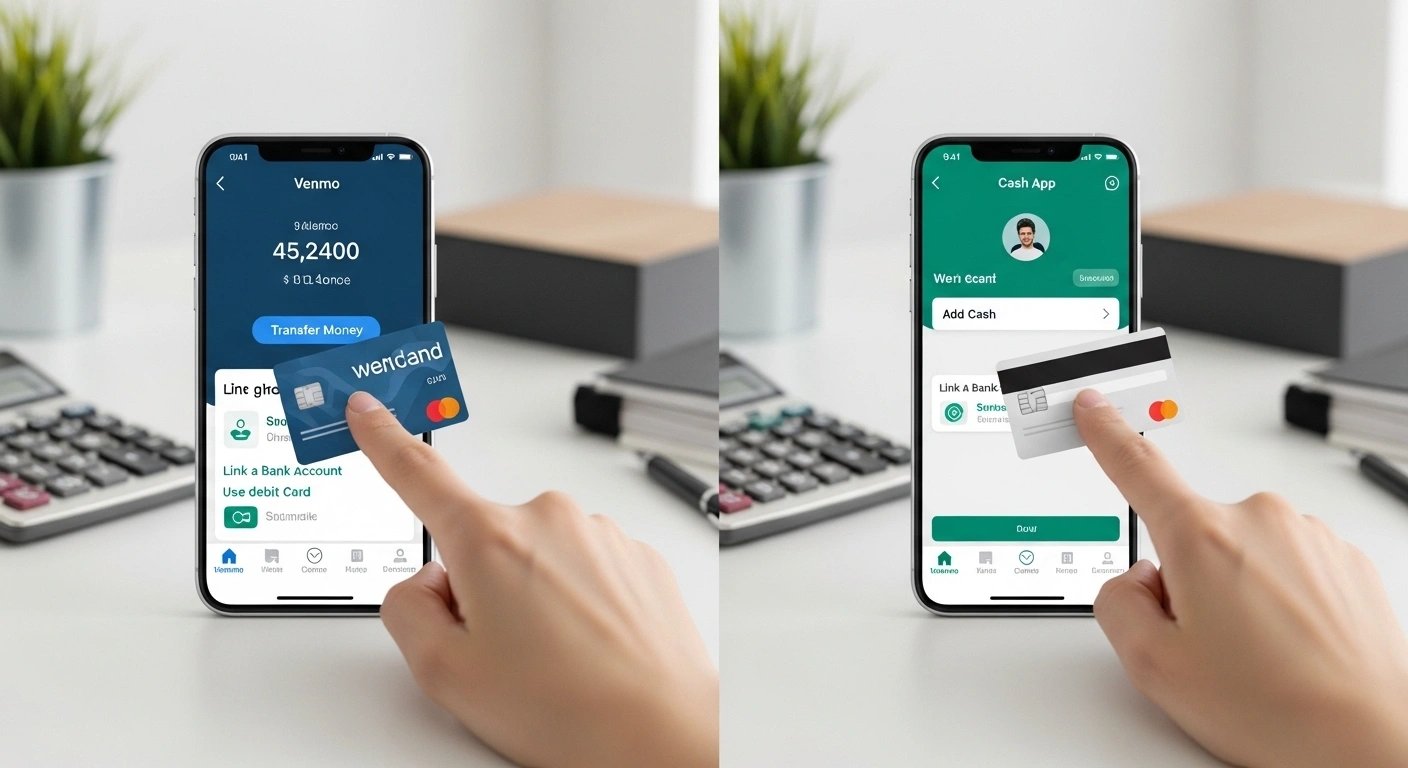
Venmo is another excellent alternative for those who enjoy social features in their financial apps. With Venmo, you can easily split bills or pay friends while enjoying a user-friendly interface.
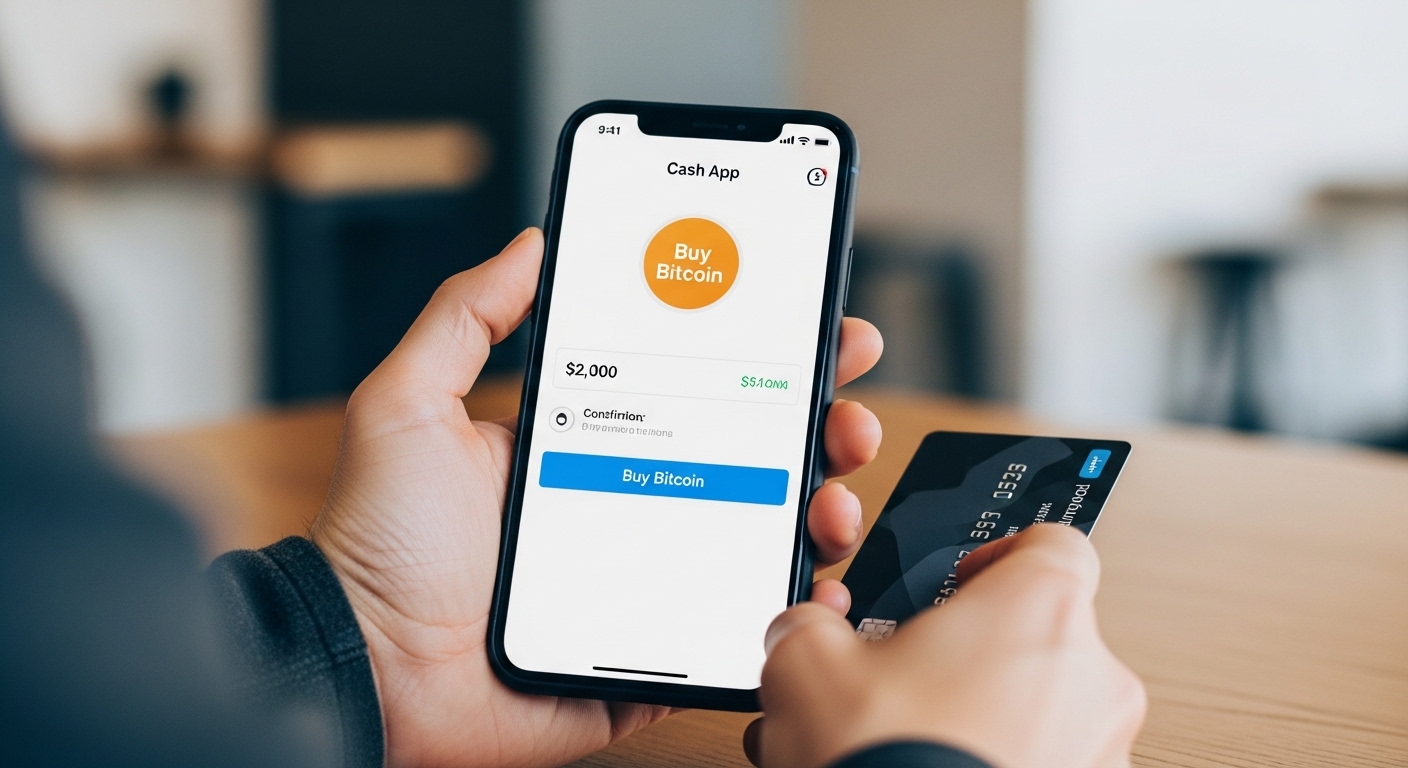
Cash App offers its own unique benefits as well. Users can transfer money instantly and even purchase Bitcoin directly through the app.
For those looking for traditional banking solutions, many banks now offer similar instant transfer services through their mobile applications. These may not be as instantaneous as Chime but are worth considering if you prefer sticking with established institutions.
Lastly, consider using Zelle if you're keen on direct bank-to-bank transfers without third-party involvement. It’s fast and efficient for users within participating banks.
Conclusion:
Chime offers a range TOPACCZ of features that simplify the process of managing your money. The ability to transfer funds instantly from Chime to your bank account is just one of the many conveniences it provides. With its user-friendly interface and quick setup, users can enjoy seamless financial transactions without the usual hassles associated with traditional banking.
The steps for linking your bank account and initiating transfers are straightforward, making it accessible for everyone. Plus, knowing how quickly funds become available adds an extra layer of peace of mind when you need cash in a pinch.
Not only does Chime streamline money transfers, but it also comes with additional perks such as no hidden fees and automatic savings options. This makes budgeting easier while ensuring you have access to your hard-earned money whenever necessary.
Whether you're looking for efficiency or simplicity in handling your finances, Chime undoubtedly stands out as a beneficial tool in today’s fast-paced world. Embracing these convenient features could very well enhance how you manage your personal finances moving forward.